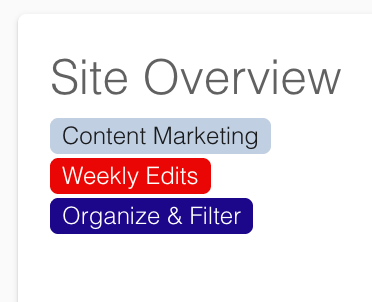
Every organization manages its websites, page sets, and task responsibilities in different ways. You could manage sites by department, audience, campus, or business unit. You may want to distinguish tasks by status, priority, or workflow.
Now, DubBot lets you apply that same approach to your organization’s structure and workflows right in the app with Labels.
Labels are customizable tags that help you organize and filter Sites, Page Sets, and Tasks in ways that make sense for your organization. Account-level Administrator and Manager roles can create labels, giving your organization the flexibility to build a system around existing workflows rather than forcing workflows into a predefined structure.
Make It Easier to Find What You Need
Labels help you quickly find and focus on what you need.
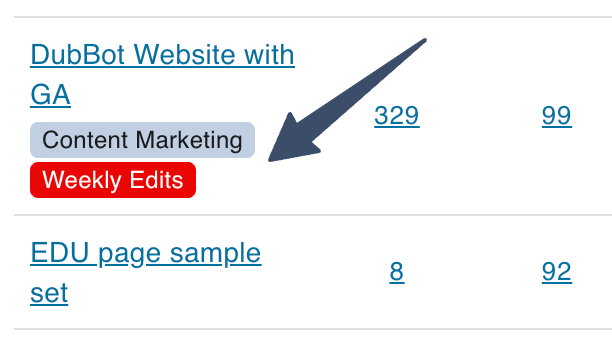
As your digital presence grows, finding the right information quickly becomes as important as having it in the first place. Labels give you a simple way to narrow your scope and focus on what matters.
For example, you can create Site or Page Set labels based on department, audience, or organizational area. Once you apply those labels, you can filter listings and dashboards to locate a specific group of sites or page sets.
Labels can also add more structure to Tasks. Use them to track workflow stages such as To Do, In Progress, and Resolved. You can assign one or more labels to Tasks and filter by those labels when you need to zero in on a particular set of work.
Note: All Labels are visible to all account holders. Creating and managing labels requires an Administrator or Manager role. Labels are also available on applicable CSV downloads.
Build a System That Fits Your Workflow
Creating a label is straightforward. Choose whether the label applies to Sites, Page Sets, or Tasks, then give it a name, description, and background color. Because labels are specific to each object type, you can create a labeling system that reflects your organization's structure and workflow.
And that's the idea. Labels let you bring that structure into DubBot, making it easier to find, filter, and manage the work that matters to you.
Resources
- Labels Now Available in DubBot
- Create a Label
- Using Labels with Tasks
- Using Labels with Sites and Page Sets
A human author creates the DubBlog posts. The AI tools Gemini and ChatGPT are sometimes used to brainstorm subject ideas, generate blog post outlines, and rephrase certain portions of the content. Our marketing team carefully reviews all final drafts for accuracy and authenticity. The opinions and perspectives expressed remain the sole responsibility of the human author.
